


Keys are lost more easily than you might expect. A colleague forgets to log that they have taken a key, or a key goes missing and no one knows where it is. It may seem harmless, but poor key management often leads to serious issues:

With an electronic key cabinet, you maintain full control over your key management at all times. You decide who has access to which key. Only authorised users can take a key, using a badge, tag or PIN code. The integrated software automatically records:
This gives you complete oversight of your key management – without paperwork.
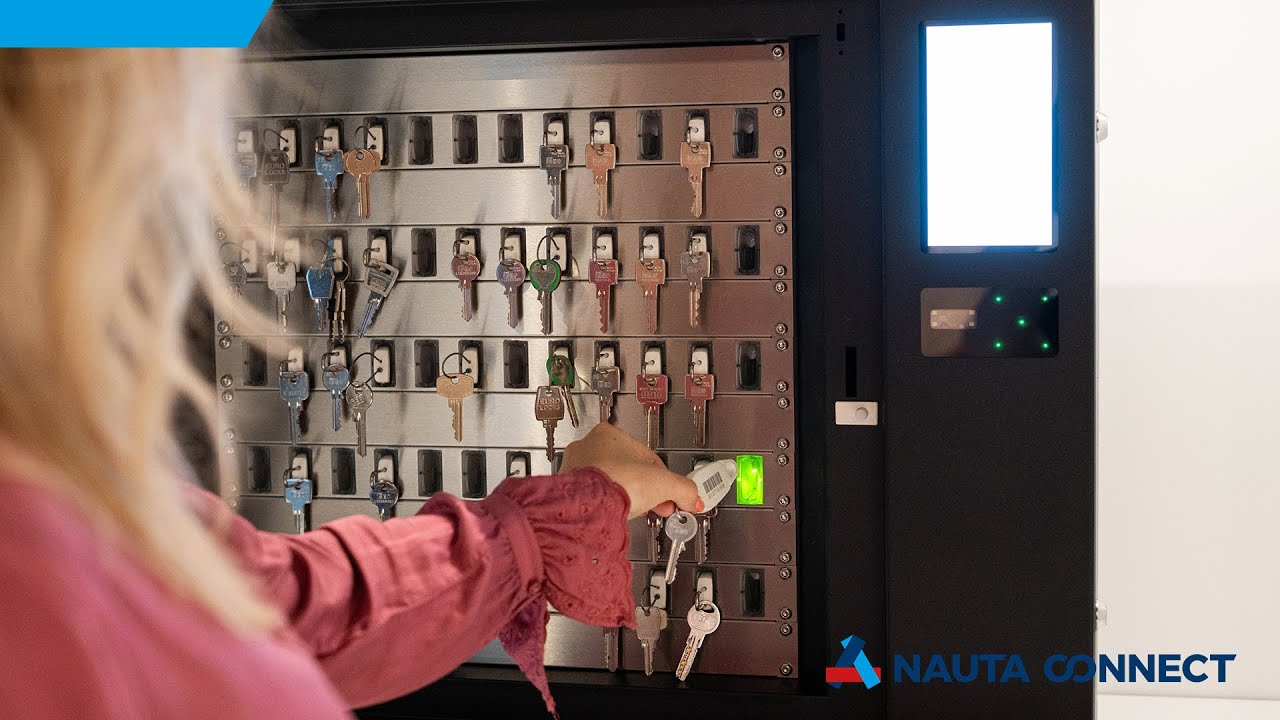

The KeyConductor is designed to make key management as easy as possible. Instead of complex procedures or separate registration systems, the cabinet works intuitively and quickly. This saves both time and money, while ensuring you remain in full control of your keys.
This allows the system to recognise exactly which key it is.

Present your badge to the reader, use your tag or enter your PIN so the system knows who you are.

The cabinet releases only those keys for which you have permission. All other keys remain locked.

You can immediately see which key you need.

The system records who takes which key and when. No manual registration is required, yet you always have full insight.
With the KeyConductor, you always work efficiently and with clear oversight. But no two organizations are the same: a small team has different needs than a large location with many employees and keys. That’s why the KeyConductor is available in different versions—so you can always choose the model that best fits your organization.
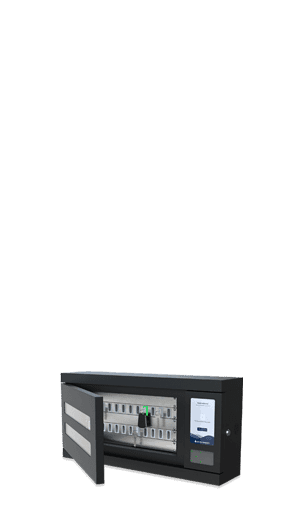 KeyConductor 24
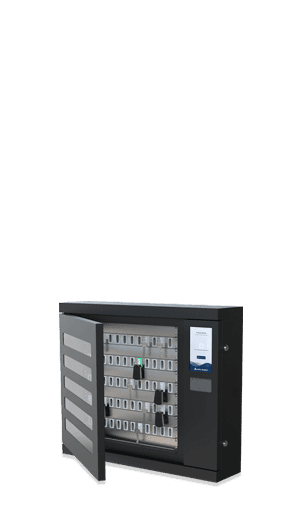 KeyConductor 60
 KeyConductor 108
 KeyConductor 180
Pick-to-light technology
No searching needed. A light indicates exactly which key you’re allowed to take.
Flexible opening options
Open the cabinet with a badge, a tag, or a code—whatever works best for your team.
Easy to expand
If you need more keys later on, the cabinet can be expanded with additional blades.
Solid door or door with viewing window
The choice is yours: keep the keys visible or store them out of sight.
Optional additional features available
Would you like to scan keys, for example? This is possible with an optional wall reader or scanner.
The electronic key cabinet works seamlessly with our Connect software. This cloud-based software allows you to manage all keys online, without the need for a server. Simply log in via your web browser. After logging in, you immediately see:
You can easily register, manage and generate reports for everything related to your key management.
Do you work with a Facility Management System such as TOPdesk? In that case, you can also reserve keys in advance, ensuring they are available when needed. Read more in our blog: Never miss out again by key reservations.




Curious about our electronic key cabinets or electronic lockers? Discover our customer cases from a variety of sectors, including higher education, hotels, security, cash-in-transit, healthcare and mobility. Each sector has its own challenges – and its own tailored solution.